Paste the link to an individual public Dailymotion video into the form above. The service checks that exact item and displays the MP4 version made available by Dailymotion; it does not invent higher resolutions or download a whole channel.
How to download from Dailymotion
- Open the video on dailymotion.com or a dai.ly share link.
- Copy the complete address from Share or the browser address bar.
- Paste it above and select Download.
- Choose the available MP4 and let the browser save the file.
Quality and compatibility
The resolution depends on the public source. In our practical test on 30 October 2026, a 1280×720 MP4 downloaded successfully and played with both video and audio. Another upload may offer a different resolution or size. MP4 works in current browsers and common mobile and desktop players.
When a link may not work
Private, deleted, geo-restricted, DRM-protected, age-gated or sign-in-only items cannot be processed. Use the URL of one video rather than a profile, search page or playlist. See the platform status and the troubleshooting guide if a public item fails.
Download only material you are allowed to keep. Prepared files remain available for a limited time and are removed automatically.
What we actually checked: Dailymotion
Latest successful check:
Formats and quality
MP4; the public test item returned 1280×720.
Confirmed result
Recognition succeeded and a range request returned HTTP 206 with 1,024 bytes of video/mp4.
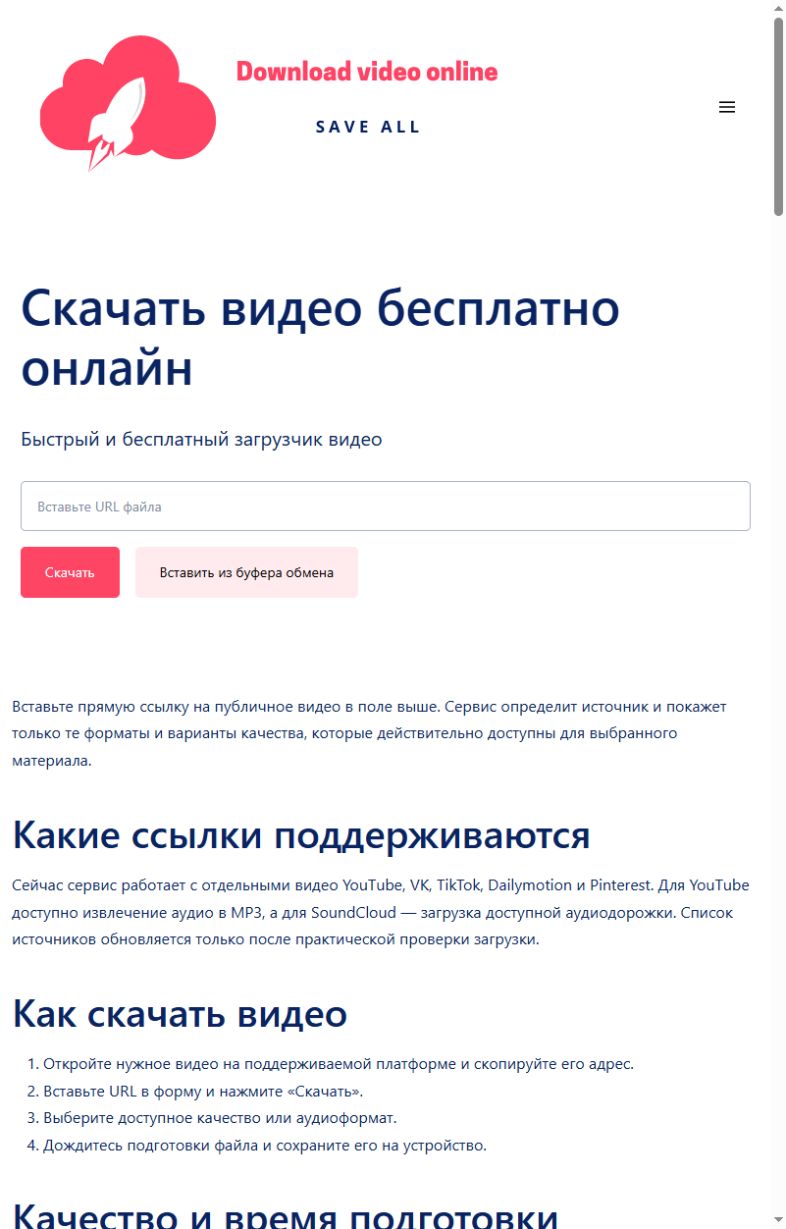
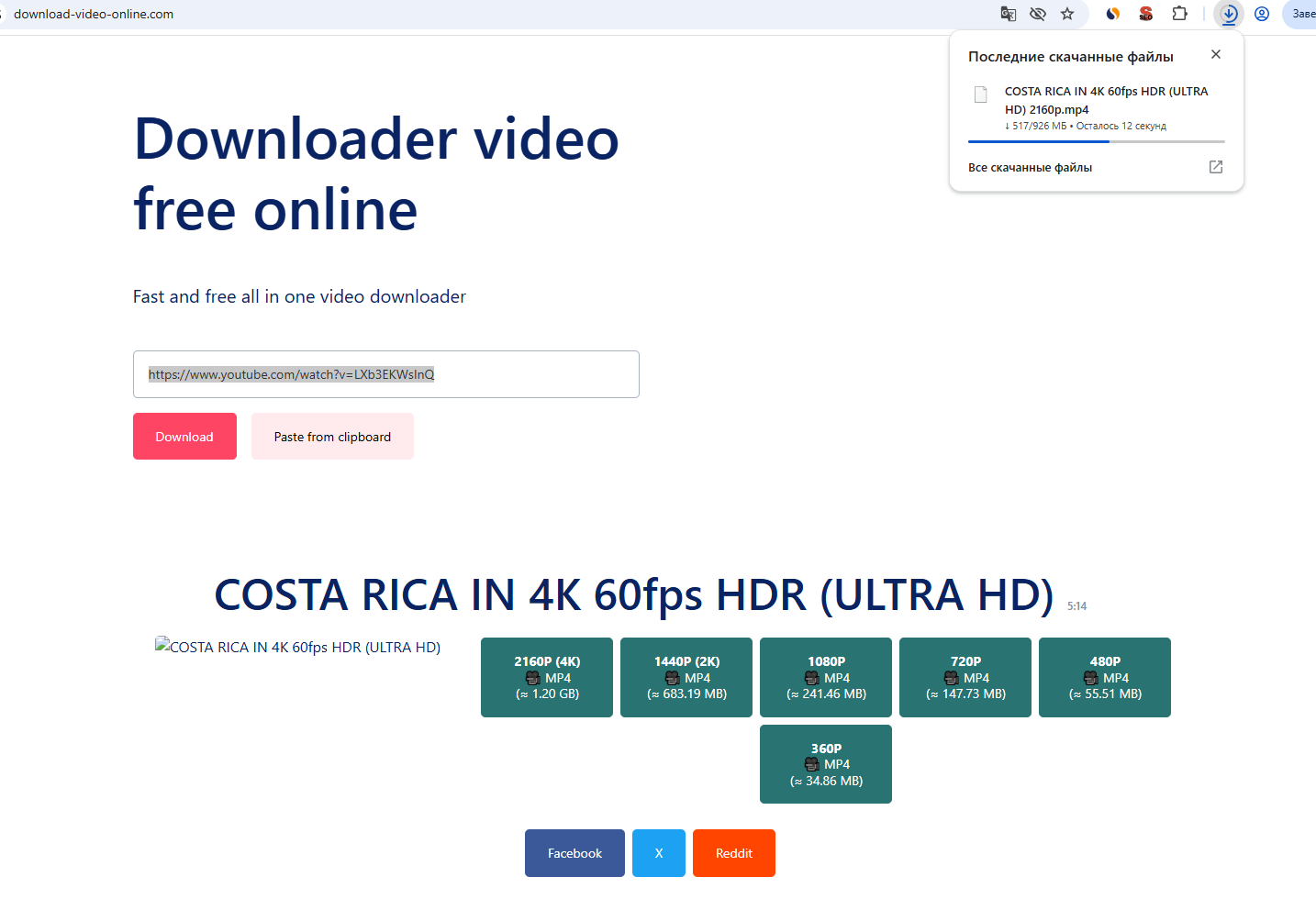
Real screenshots of the process
These screenshots were taken on this site during a real check with a public YouTube item: first the link is submitted, then a quality is selected and the browser download begins. Language versions can differ in wording.
Common errors and what to do
| What happened | What to do |
|---|---|
| A channel or playlist URL was submitted. | Copy the URL of one video. |
| The video is private or region-restricted. | Use an item that plays without an account. |
| The source temporarily does not expose a file. | Check the original page and retry once later. |
Honest service limits
- One public video per request.
- Resolution depends on the source item.
- Private, deleted, regional and DRM-protected videos can fail.
- No artificial upscaling is performed.
How we test
- Open one real public item without signing in.
- Submit its URL through the same public form visitors use.
- Record the formats and qualities returned for that exact item.
- Request the first 1,024 bytes of the selected file and require HTTP 206 with the expected media type.
- Change the public check date only after every step succeeds.
A successful check confirms the public example used on the stated date. It does not guarantee access to every post on a platform.