The downloader accepts public links from vk.com and vkvideo.ru. Paste the address of a specific video to obtain the MP4 version available without signing in.
How to download a VK video
- Open the video page or the public post containing it.
- Copy the full URL from the browser or the “Share” menu.
- Paste the address into the form and start the check.
- Select the available media button and save the file.
Video quality
VK may provide several streams or one finished file. The service selects an accessible option and shows the real resolution, format and estimated size when those details can be detected. It does not upscale or otherwise invent quality that is missing from the source.
Why some links fail
Videos in private groups, direct messages or closed profiles require an account and cannot be downloaded. Deleted posts, protected live streams and pages that request access confirmation are also unsupported.
For a reliable test, use a link that plays in an ordinary browser without a VK login.
What we actually checked: VK / VK Video
Latest successful check:
Formats and quality
MP4 in the resolution available without signing in.
Confirmed result
The latest successful public VK example returned a downloadable MP4 with video and audio.
Real screenshots of the process
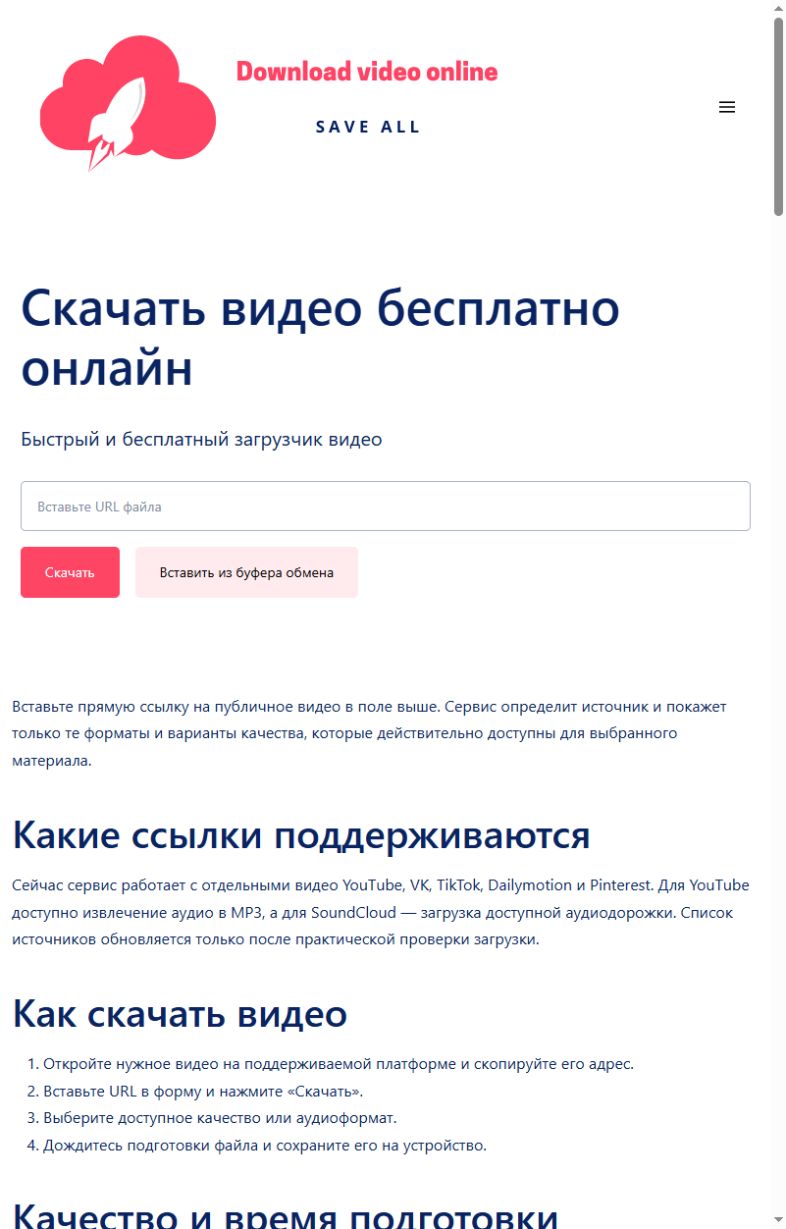
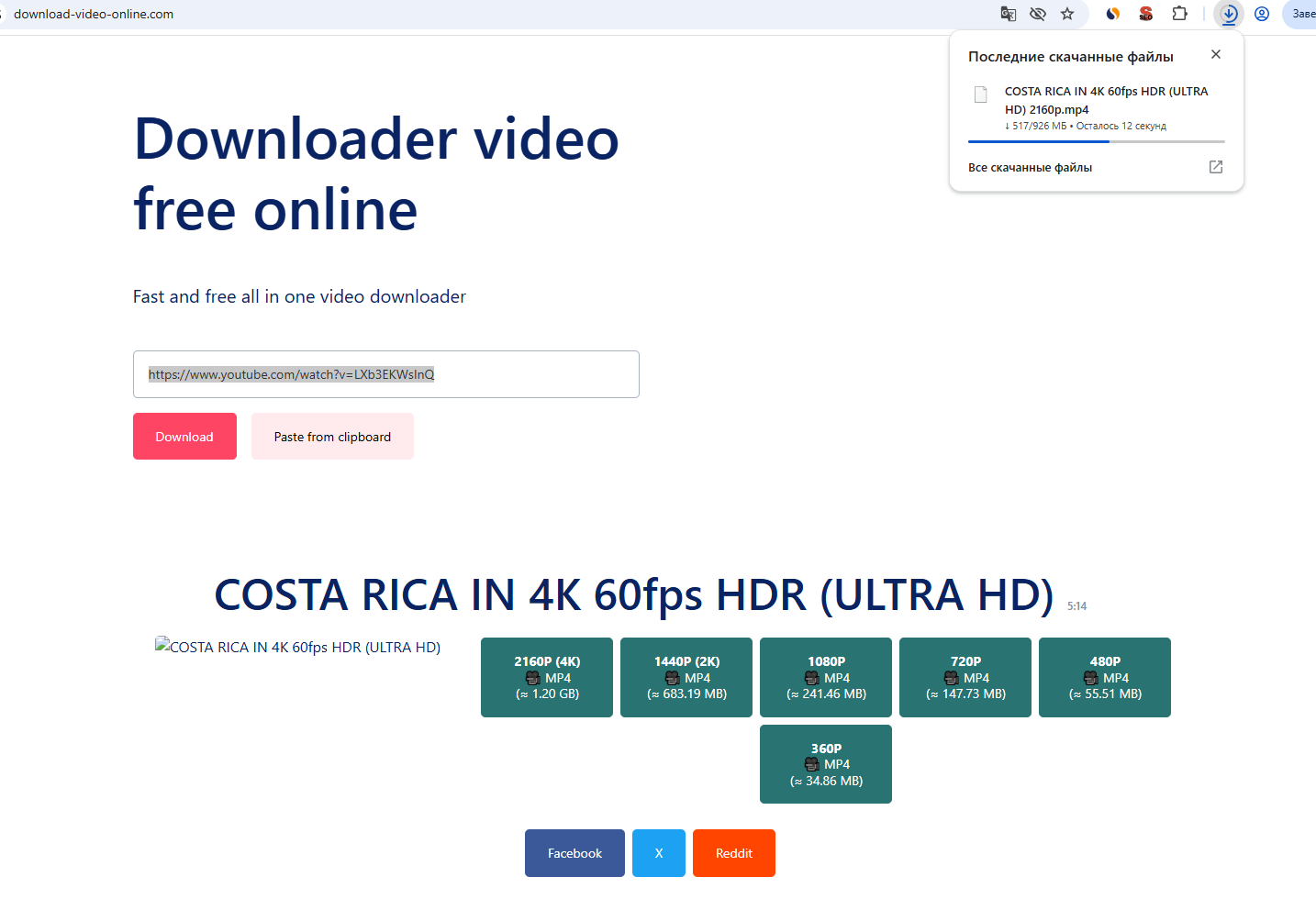
These screenshots were taken on this site during a real check with a public YouTube item: first the link is submitted, then a quality is selected and the browser download begins. Language versions can differ in wording.
Common errors and what to do
| What happened | What to do |
|---|---|
| The video opens only for signed-in users. | Use a public video available in a private browser window. |
| The URL points to a wall, profile or playlist. | Copy the address of one video. |
| The post is regional or temporarily unavailable. | Verify the original page and retry later. |
Honest service limits
- Public vk.com and vkvideo.ru items only.
- Quality is limited to what VK exposes publicly.
- Private communities and restricted videos are unavailable.
- No upscaling is performed.
How we test
- Open one real public item without signing in.
- Submit its URL through the same public form visitors use.
- Record the formats and qualities returned for that exact item.
- Request the first 1,024 bytes of the selected file and require HTTP 206 with the expected media type.
- Change the public check date only after every step succeeds.
A successful check confirms the public example used on the stated date. It does not guarantee access to every post on a platform.