This tool downloads the video attached to an individual public Pinterest Pin. It accepts full pinterest.com/pin/… addresses and share links created by the Pinterest app.
How to save a video Pin
- Open the Pin that contains the video.
- Select “Share” and copy its link.
- Paste the URL into the form above.
- After the check, select the available video file.
What the downloader retrieves
The service obtains the media file associated with the selected Pin and keeps the quality made available by Pinterest. It does not turn static images into video and does not download an entire board, collection or profile.
If no file is found
Confirm that the Pin is public and can be played without an account. Deleted, private and region-restricted publications cannot be processed. A short share URL may occasionally resolve to a page without a video; open the Pin itself and copy the address again.
Prepared downloads are available for a limited time and are removed automatically.
What we actually checked: Pinterest
Latest successful check:
Formats and quality
MP4; the public test Pin returned 360×640.
Confirmed result
The video Pin was recognised and a range request returned HTTP 206 with 1,024 bytes of video/mp4.
Real screenshots of the process
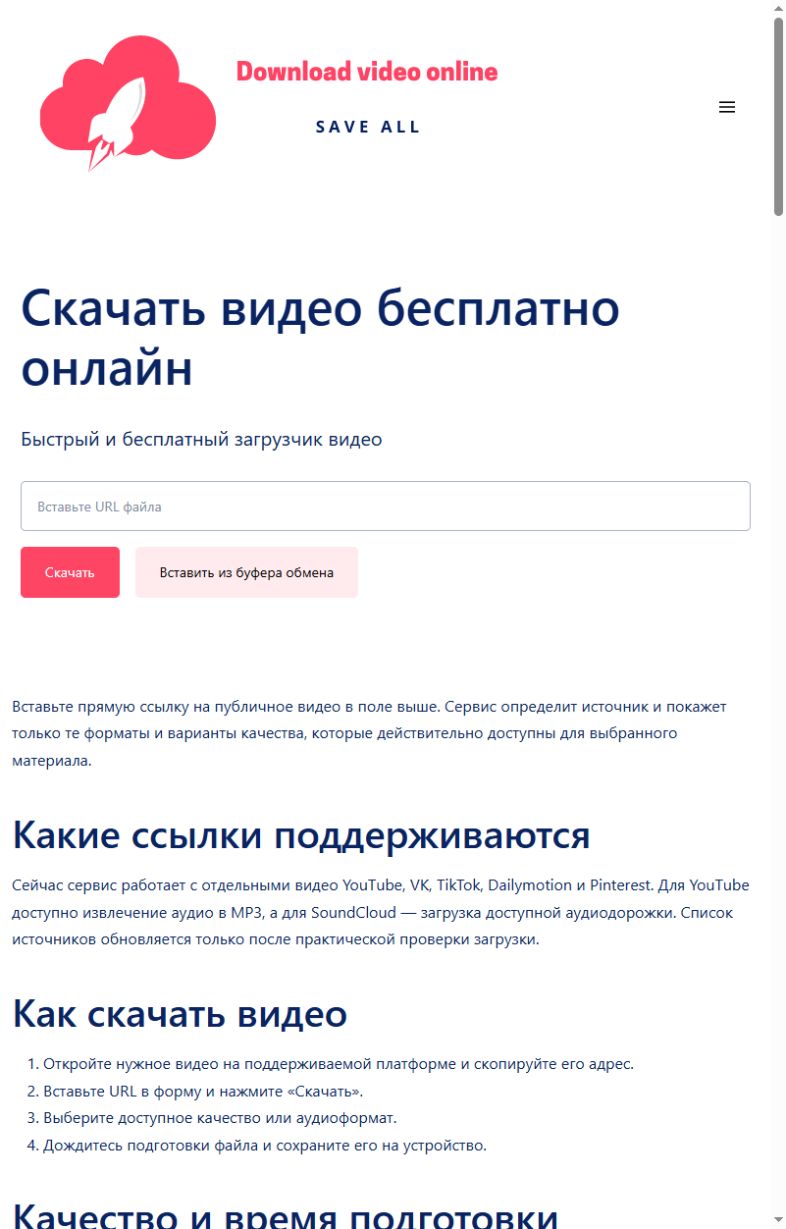
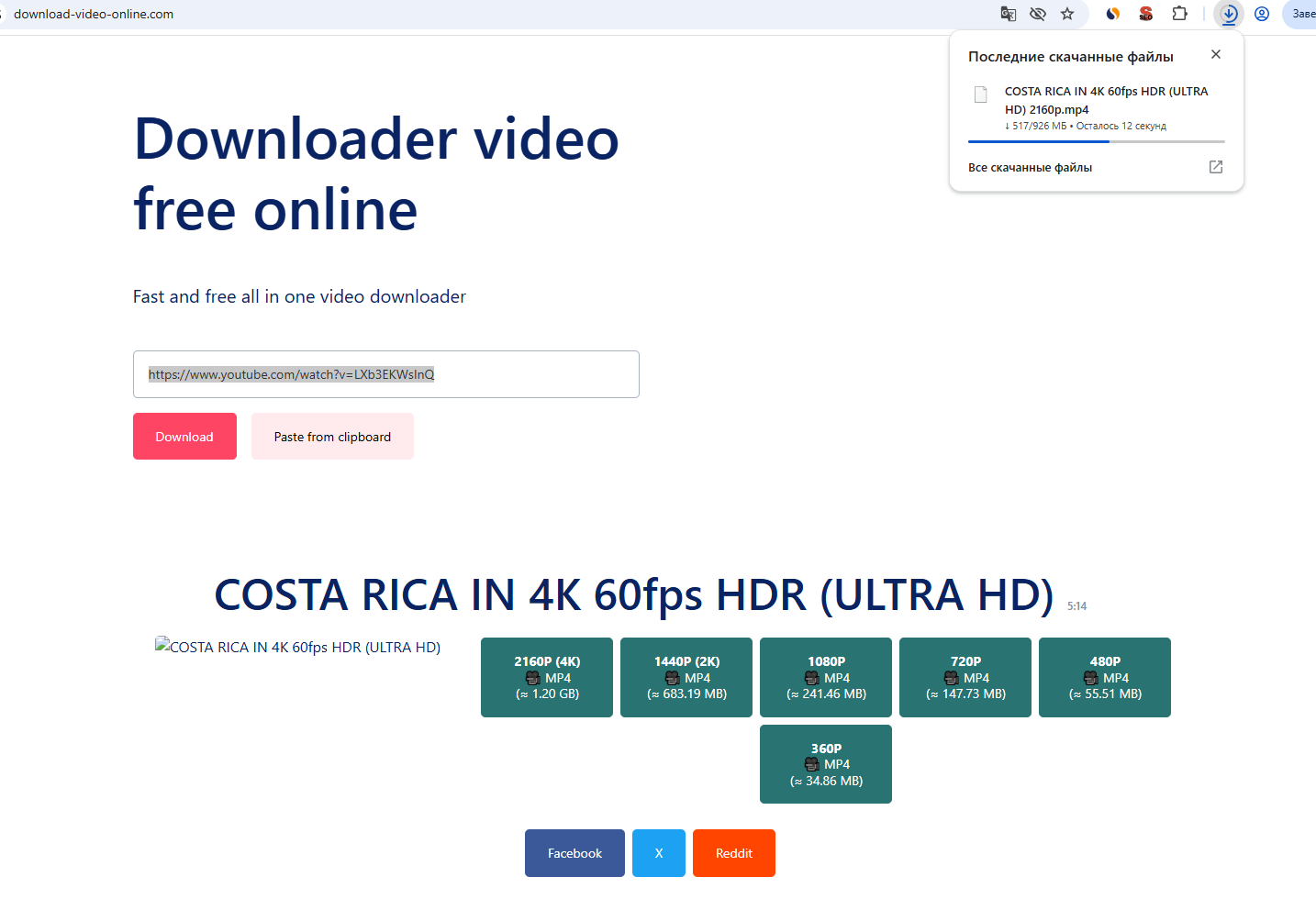
These screenshots were taken on this site during a real check with a public YouTube item: first the link is submitted, then a quality is selected and the browser download begins. Language versions can differ in wording.
Common errors and what to do
| What happened | What to do |
|---|---|
| The Pin contains only a static image. | Use a Pin with a playable video. |
| The board or Pin is private. | Use a public Pin available without signing in. |
| A short link redirects to the wrong page. | Open the Pin and copy its full address. |
Honest service limits
- Video Pins only; images are not converted into video.
- Boards and profiles are not downloaded.
- Quality equals the file exposed by Pinterest.
- Private or removed Pins can fail.
How we test
- Open one real public item without signing in.
- Submit its URL through the same public form visitors use.
- Record the formats and qualities returned for that exact item.
- Request the first 1,024 bytes of the selected file and require HTTP 206 with the expected media type.
- Change the public check date only after every step succeeds.
A successful check confirms the public example used on the stated date. It does not guarantee access to every post on a platform.