Paste the link to an individual public TikTok post to obtain the available MP4. The downloader uses a clean media stream when TikTok exposes one for that post.
Copying a TikTok link
- Open the video in the TikTok app or website.
- Select “Share” and then “Copy link”.
- Paste the URL into the form above.
- Select the offered MP4 and wait for the download to start.
Is a watermark-free file guaranteed?
The result depends on the stream provided for a particular post. When a clean source file is available, the service prepares the version without an overlaid watermark. If TikTok exposes only a branded file, the downloader does not artificially edit the picture and cannot guarantee watermark removal.
Links that cannot be processed
Private accounts, deleted posts, login-only pages and region-restricted items are unavailable. Try opening the link in a browser where you are not signed in; if the post cannot be played there, the downloader cannot retrieve it either.
Prepared files are temporary and removed automatically. Respect the creator’s rights and the platform rules.
What we actually checked: TikTok
Latest successful check:
Formats and quality
MP4 in the quality exposed for the individual public post.
Confirmed result
The latest successful public example returned a downloadable MP4. The date is not advanced when a later example fails.
Real screenshots of the process
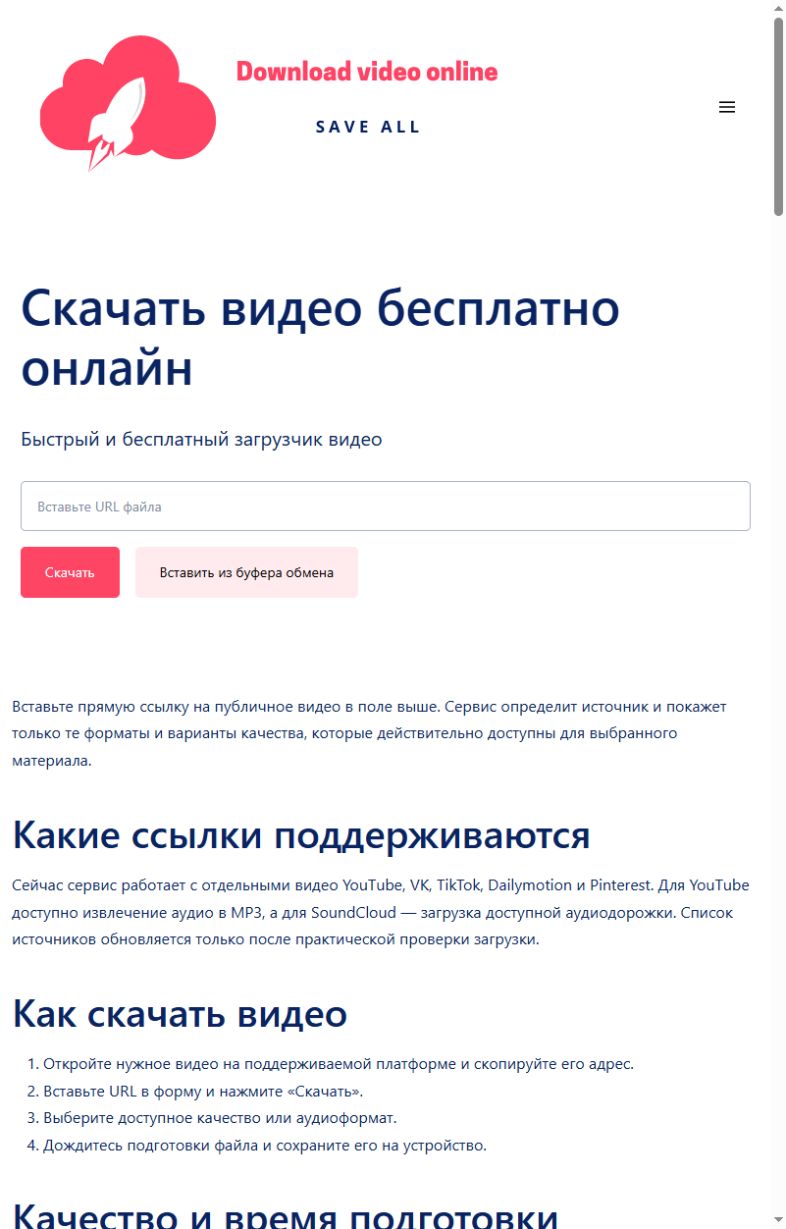
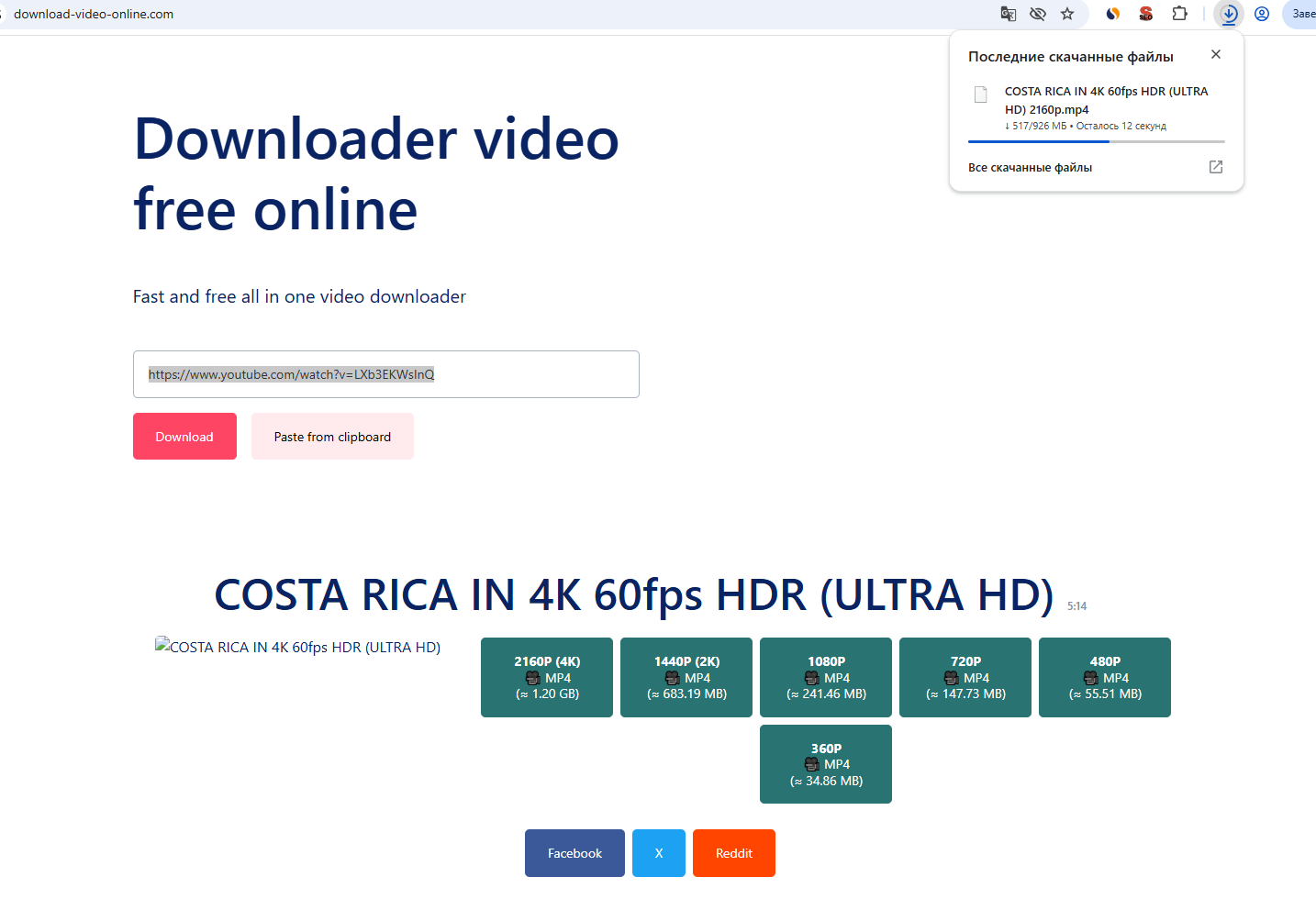
These screenshots were taken on this site during a real check with a public YouTube item: first the link is submitted, then a quality is selected and the browser download begins. Language versions can differ in wording.
Common errors and what to do
| What happened | What to do |
|---|---|
| The post is private or has been removed. | Open it without signing in before submitting the URL. |
| A share link opens a profile or feed. | Open the exact post and copy its address again. |
| TikTok temporarily refuses the request. | Wait and retry once later with the same public post. |
Honest service limits
- Public individual posts only.
- The available resolution comes from TikTok.
- Private, removed, regional and sign-in-only posts can fail.
- No artificial quality increase is performed.
How we test
- Open one real public item without signing in.
- Submit its URL through the same public form visitors use.
- Record the formats and qualities returned for that exact item.
- Request the first 1,024 bytes of the selected file and require HTTP 206 with the expected media type.
- Change the public check date only after every step succeeds.
A successful check confirms the public example used on the stated date. It does not guarantee access to every post on a platform.